18
Nov
2026
How to Manage 100+ Library Seats Without Manual Registers
Managing a study library with 100 or more seats is not an easy task. As the number of students increases, maintaining seat allocation records, tracking attendance, managing memberships, and monitoring fee payments becomes more complicated. Traditional paper registers and spreadsheets may work for small reading rooms, but they often become inefficient when managing a large number of students and seats.
Library owners need a smarter way to organize their daily operations without spending hours maintaining manual records. This is where a Library Management Application becomes useful. With digital seat allocation, attendance tracking, membership management, and payment records, library owners can manage their entire reading room more efficiently.
Let's explore how you can manage 100+ library seats without depending on manual registers.
Why Manual Seat Management Becomes Difficult for Large Libraries
When a study library has more than 100 seats, managing everything manually can create several challenges.
Some common problems include:
- Difficulty tracking vacant and occupied seats.
- Confusion while assigning seats to new students.
- Maintaining separate registers for different shifts.
- Errors in student attendance records.
- Difficulty tracking membership expiry dates.
- Time-consuming fee collection and payment tracking.
- Difficulty finding student details quickly.
These problems not only increase administrative workload but can also affect the overall experience of students.
A modern Library Management App helps overcome these challenges by organizing important library activities on a single digital platform.
7 Ways to Manage 100+ Library Seats Digitally
1. Use a Digital Seat Management System
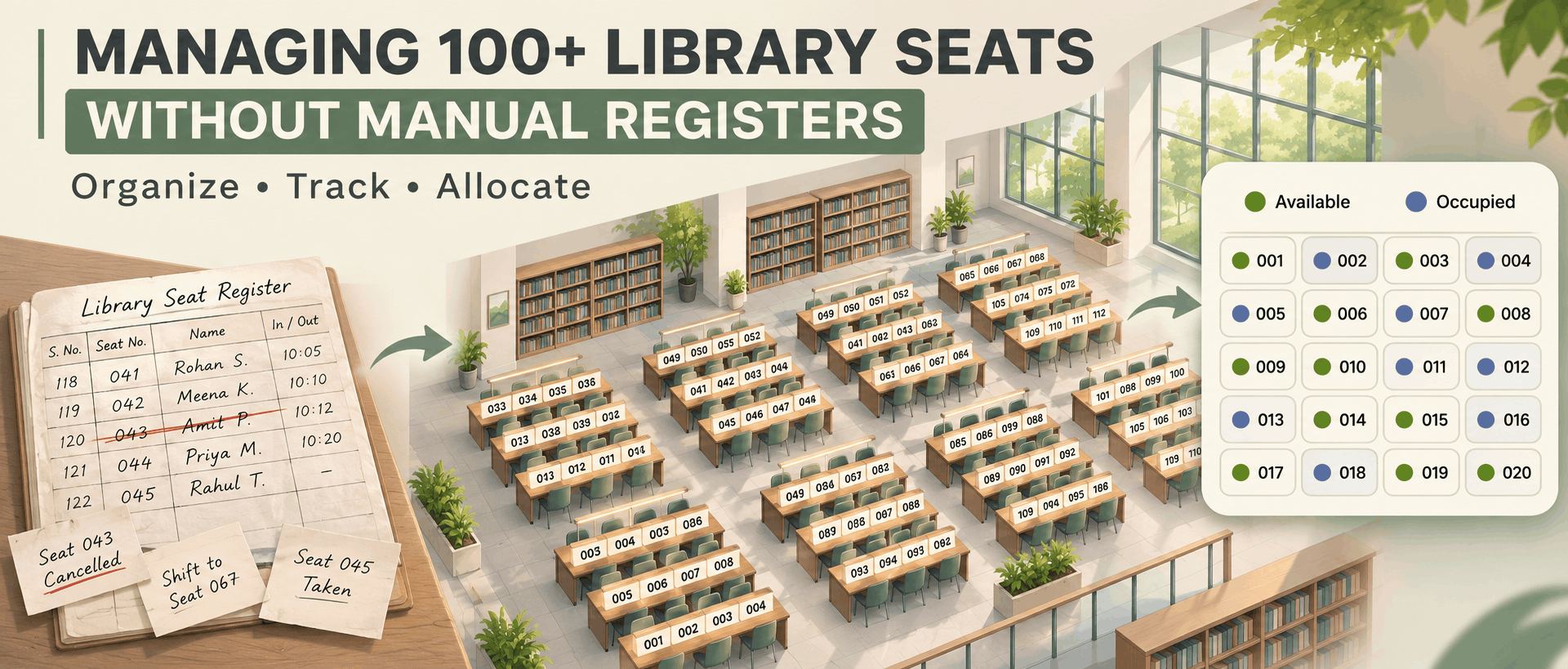
The first step towards managing a large reading room is replacing manual seat registers with a digital seating system.
A Seat Management App allows library owners to view their seating arrangements digitally. Instead of checking registers to identify vacant seats, administrators can check seat availability through the application.
Important capabilities include:
- Digital seat allocation.
- Available and occupied seat tracking.
- Easy seat reassignment.
- Student-wise seat records.
- Better utilization of library capacity.
A digital system makes it easier to manage 100, 200, or even more seats without maintaining multiple paper registers.
2. Maintain All Student Records in One Place
Managing hundreds of student records manually can become confusing. Searching for a particular student's membership details, contact number, or assigned seat takes additional time. A Library Manager App helps maintain student information in a centralized database.
Library owners can organize:
- Student names and contact details.
- Membership registration dates.
- Membership expiry dates.
- Assigned seat numbers.
- Selected membership plans.
- Payment history.
With centralized records, administrators can quickly access student information whenever required.
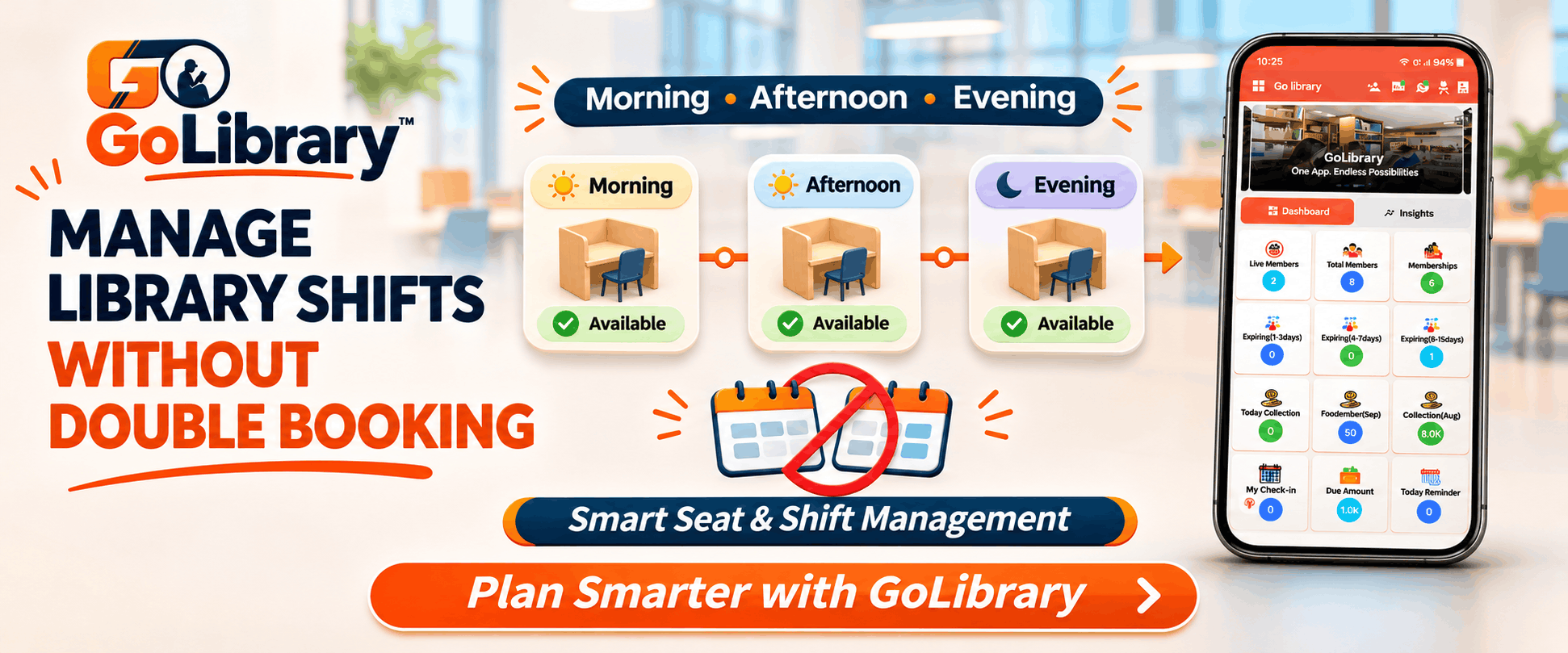
3. Manage Multiple Shifts Efficiently
Many reading rooms operate in multiple shifts to accommodate more students within the same seating capacity.
For example, a library with 100 physical seats may offer morning, afternoon, evening, and full-day memberships.
Managing these arrangements manually can lead to seat allocation conflicts.
A Seat Manager App helps organize student allocations according to available seats and membership shifts.
This makes it easier to manage different timings, track seat availability, and improve the utilization of existing library space.
4. Automate Student Attendance Tracking
Maintaining daily attendance for more than 100 students can be time-consuming.
Instead of manually marking attendance in registers, library owners can use digital attendance management features.
An Automated Library Management Application can support attendance tracking through available options such as QR code scanning or biometric integration.
Digital attendance helps administrators:
- Maintain accurate entry and exit records.
- Check student attendance history.
- Monitor library visits.
- Reduce manual record-keeping.
- Improve administrative efficiency.
This also makes attendance management more convenient for students and library staff.
5. Track Membership Expiry and Fee Payments
Managing membership renewals and fee payments is another important responsibility for reading room owners.
When records are maintained manually, it becomes difficult to remember which student's membership is expiring or whose payment is pending.
A Library Administration Application helps maintain digital payment records and membership information.
With the right features, administrators can:
- Record student fee payments.
- Track pending payments.
- Monitor membership expiry dates.
- Manage membership renewals.
- Maintain payment history.
- Generate fee collection reports.
This improves financial organization and reduces the chances of missing important payment follow-ups.
6. Access Library Information Anytime
Modern library owners need convenient access to their business information without depending entirely on the library computer or physical registers.
A Library Management Mobile Application makes it easier to access important information through supported mobile devices.
Depending on the application's features, administrators can check student details, membership information, seat allocation, attendance, and payment records.
A Library Management Web Application can also provide centralized access through a web browser, making administration more convenient.
Having web and mobile access helps owners stay informed about library activities.
7. Generate Reports for Better Library Management
When managing 100+ seats, understanding library performance is essential.
A Modern Library Management Application can provide useful reports that help owners monitor their daily operations.
Some important reports include:
- Total registered students.
- Active and expired memberships.
- Occupied and vacant seats.
- Student attendance.
- Fee collection reports.
- Pending payment details.
- Income and expense reports.
These reports help library owners understand seat utilization, monitor collections, and make better decisions for business growth.
Benefits of Using a Library Management Application
Switching from manual registers to a digital system offers several advantages:
Saves Administrative Time: Automating repetitive tasks reduces the time spent maintaining registers and searching for student records.
Reduces Human Errors: Digital records help minimize mistakes in seat allocation, attendance, and payment tracking.
Improves Seat Utilization: Owners can monitor vacant and occupied seats and organize available seating more efficiently.
Better Student Experience: Organized memberships, attendance, and payment management create a smoother experience for students.
Simplifies Daily Operations: Important administrative activities can be managed through a centralized platform.
GoLibrary: A Smarter Way to Manage Your Study Library
Managing a large reading room becomes easier with the right technology. GoLibrary is a Library Management App designed for study libraries, reading rooms, private libraries, and coaching libraries.
It helps library owners manage essential operations digitally instead of depending on traditional registers and spreadsheets.
With GoLibrary, you can:
- Manage library seats and student allocations.
- Organize student memberships and plans.
- Manage multiple shifts.
- Track student attendance.
- Maintain fee and payment records.
- Manage membership renewals and reminders.
- Generate library reports.
- Manage multiple library locations.
Whether you operate a reading room with 100 seats or a larger study library, GoLibrary helps simplify daily administration and organize your operations.
Managing 100+ library seats does not have to involve multiple registers, spreadsheets, and endless paperwork. By adopting a reliable Library Management Application, study library owners can digitize seat allocation, student records, attendance, memberships, and fee management.
A feature-rich Library Management Web Application and mobile solution can make library administration more organized, reduce manual workload, and improve seat utilization. If you want to manage your reading room more efficiently, it is time to move beyond manual registers and adopt a smarter digital solution.
Choose GoLibrary and make managing your study library simpler, smarter, and more efficient!