20
Nov
2026
How to Manage Multiple Study Library Branches From One App
Managing a single study library or reading room requires proper planning, but handling multiple branches can become even more challenging. As a library business expands, owners need to manage different locations, student memberships, seat availability, attendance, fee payments, staff activities, and daily operations simultaneously.
Managing every branch separately through registers, spreadsheets, or disconnected systems can lead to confusion, duplicate records, payment tracking issues, and unnecessary administrative work. This is why adopting a centralized Library Management Application has become an important step for modern study library businesses.
A digital management system allows library owners to monitor multiple branches from one platform, maintain consistent operations, and make better business decisions without visiting every location regularly.
Let's explore how a centralized library management solution can simplify multi-branch study library administration.
1. Centralized Management of All Library Branches
One of the biggest challenges of managing multiple study libraries is keeping track of activities at different locations. When every branch maintains separate records, owners may struggle to get an accurate picture of overall business performance.
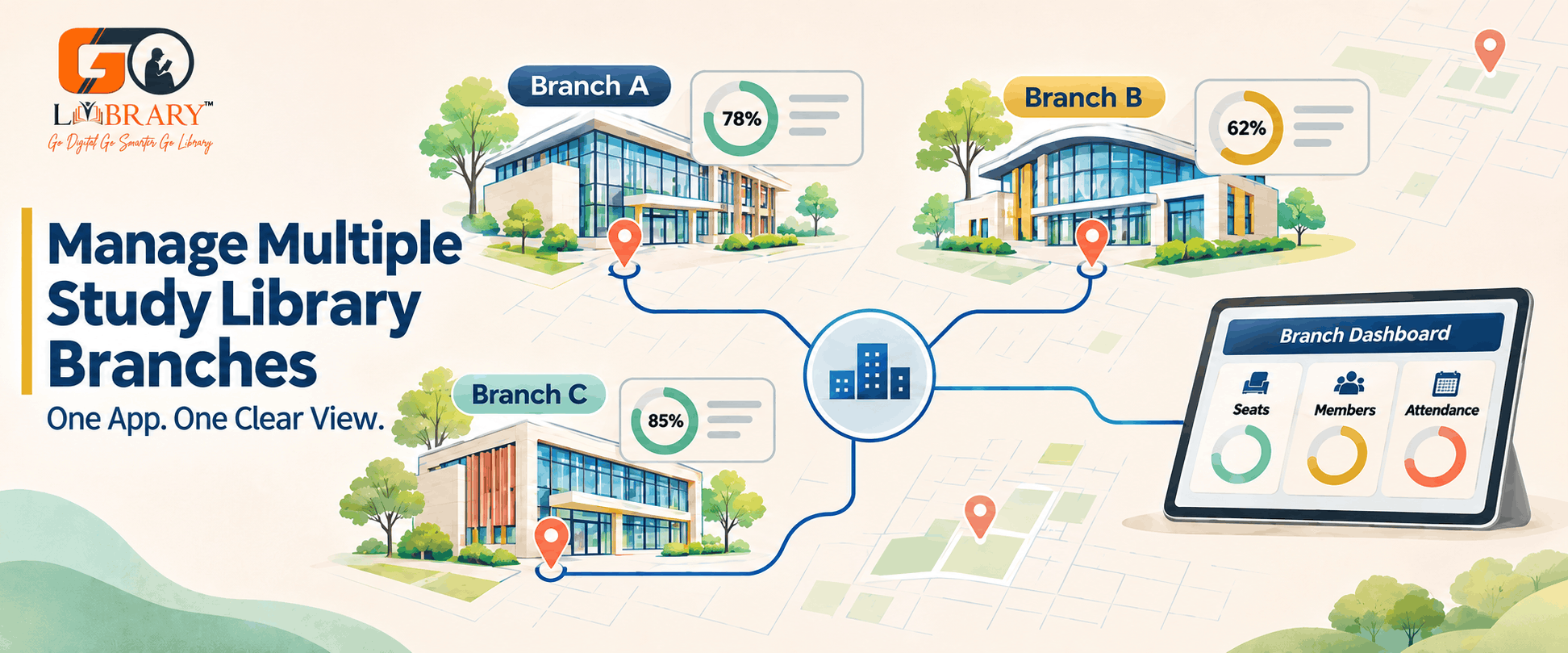
A centralized Library Management App brings important operational information together in one place.
Library owners can use a common platform to monitor different branches, access student information, review membership details, and track daily activities.
Instead of switching between multiple registers or spreadsheets, administrators can access relevant information through a single system.
This centralized approach improves coordination and makes managing multiple reading rooms more convenient.
2. Manage Seats and Availability Across Locations
Seat allocation is one of the most important activities in study libraries. Every branch has a different seating capacity, and owners need to ensure that available seats are utilized properly.
A Seat Management App helps administrators organize seating arrangements digitally.
With an effective seat management system, library owners can:
- View available and occupied seats at different branches.
- Assign seats to new students.
- Manage seat reservations.
- Reallocate seats when required.
- Monitor branch-wise seating capacity.
- Identify vacant seats and improve utilization.
A centralized Seat Manager App makes it easier to understand seating availability across multiple locations and reduces the chances of incorrect seat allocation.
3. Maintain Student Records Across Multiple Branches
When a library business operates in different locations, maintaining accurate student records becomes essential.
Administrators need to manage student registrations, contact details, membership plans, joining dates, and payment information.
A centralized Library Administration Application helps maintain organized digital records for each branch.
It also makes it easier to search student information, update membership details, and monitor active or expired memberships.
For businesses that allow students to access different branches, centralized records can also help administrators manage membership information more consistently, depending on the system's configuration.
4. Simplify Membership and Shift Management
Study libraries commonly operate in multiple shifts, such as morning, afternoon, evening, and night. Managing these shifts across different branches requires proper coordination.
A Library Manager App can simplify membership and shift administration by maintaining digital records of plans, student allocations, and membership validity.
For example, administrators can organize:
- Morning shift memberships.
- Afternoon shift memberships.
- Evening shift memberships.
- Full-day membership plans.
- Monthly membership renewals.
Branch-wise membership management helps owners understand which plans are being used and how different locations are performing.
It also makes it easier to manage student renewals and avoid confusion regarding membership validity.
5. Track Attendance Digitally
Monitoring student attendance across multiple branches can become difficult when every location uses manual registers.
Paper-based attendance records require additional effort and make it harder for owners to monitor activities remotely.
A modern Library Management Mobile Application can provide convenient access to attendance information.
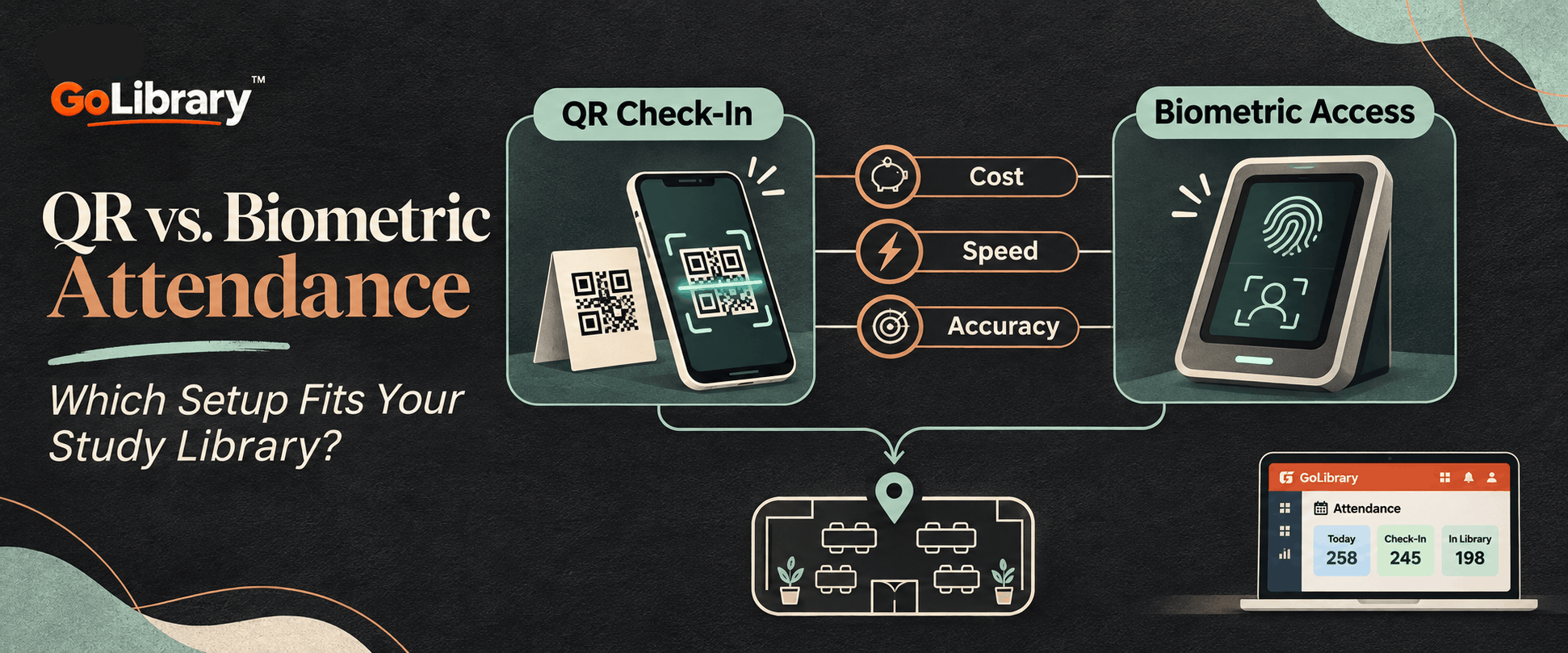
Depending on the available setup, attendance can be recorded using QR codes, biometric devices, or other supported check-in methods.
Digital attendance management helps administrators:
- Monitor student visits.
- Maintain branch-wise attendance records.
- Review attendance history.
- Reduce manual record-keeping.
- Improve operational transparency.
This allows owners to understand library usage without depending entirely on physical attendance registers.
6. Manage Fees and Payments From One Platform
Financial management becomes more complicated when a business operates multiple study library branches.
Owners need to monitor fee collections, pending payments, membership renewals, expenses, and other financial transactions at every location.
An Automated Library Management Application helps simplify these activities by maintaining digital financial records.
Administrators can use the system to:
- Record student fee payments.
- Track pending membership fees.
- Monitor payment history.
- Manage renewal payments.
- Review branch-wise collections.
- Maintain expense records.
Having organized financial information makes it easier to compare branch performance and identify outstanding payments.
It also reduces dependency on manual calculations and separate spreadsheets.
7. Monitor Staff and Daily Branch Operations
Managing employees across different study library locations is another important responsibility for business owners.
Each branch may have separate staff members responsible for student registrations, attendance, fee collection, and daily administration.
A Modern Library Management Application can help organize staff activities by maintaining relevant operational records.
Depending on the software's features, administrators can manage staff information, monitor attendance, assign responsibilities, and review branch-wise activities.
This improves coordination between owners, managers, and employees while ensuring that daily responsibilities are handled systematically.
8. Generate Branch-Wise Reports and Business Insights
Making decisions without accurate information can affect business growth. When multiple branches are involved, owners need to understand the performance of each location separately.
A Library Management Web Application with reporting capabilities can help generate useful business insights.
Important reports may include:
- Total students registered at each branch.
- Active and expired memberships.
- Available and occupied seats.
- Daily attendance records.
- Monthly fee collections.
- Pending payments.
- Income and expense statements.
These reports help owners identify high-performing branches, understand seating utilization, and recognize areas that need improvement.
Having access to organized data makes business planning easier and more effective.
9. Access Library Operations From Anywhere
Business owners cannot always be physically present at every library location. They may need to check student records, review payments, or monitor branch activities while travelling or working remotely.
A Library Management Mobile Application combined with a web-based platform provides greater flexibility.
With authorized access, administrators can review important information through supported devices without depending entirely on desktop computers at individual branches.
This makes remote administration more convenient and helps owners stay informed about their business operations.
10. Choose the Right Application for Multi-Branch Library Management
Before selecting a centralized system, study library owners should evaluate their actual business requirements.
Consider the following factors:
- Multi-Branch Support: The system should allow management of multiple library locations.
- Seat Management: It should provide convenient seat allocation and availability tracking.
- Student Management: Look for centralized student records and membership tracking.
- Shift Management: Check whether different shifts and membership plans can be managed.
- Attendance Tracking: Ensure that attendance records can be maintained digitally.
- Payment Management: Look for fee collection, pending payment, and renewal tracking.
- Reporting: Branch-wise reports should help monitor business performance.
- Mobile and Web Access: Choose a solution that supports convenient administration across devices.
The right system should make everyday operations easier rather than introduce additional complexity.
Managing multiple study library branches requires proper coordination, accurate records, and consistent administration. Relying on manual processes across different locations can increase administrative workload and make it difficult to monitor business performance. A centralized Library Management Application helps bring important activities such as seat allocation, student management, membership tracking, attendance, fee collection, and reporting together in one platform.
Whether you operate two reading rooms or several study library locations, using a suitable Library Management App can help you manage daily operations more efficiently, improve seat utilization, and maintain better control over your growing library business. The key to successful multi-branch management is simple: centralize your operations, organize your records, and make informed decisions using accurate business data.